
Latest Blueprints
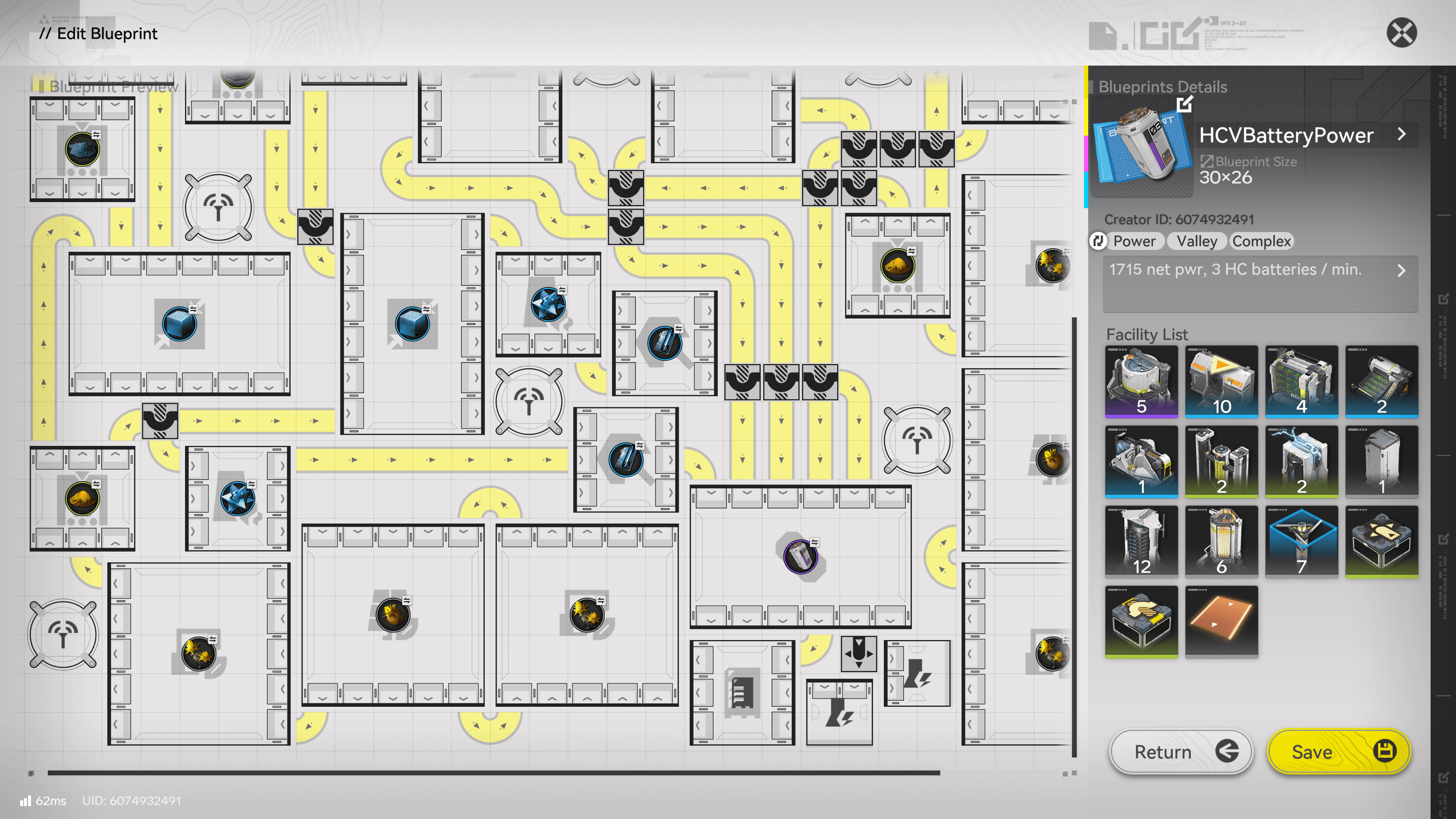
HC Valley Batteries & Power
EFO01u1I64IIU304AoOU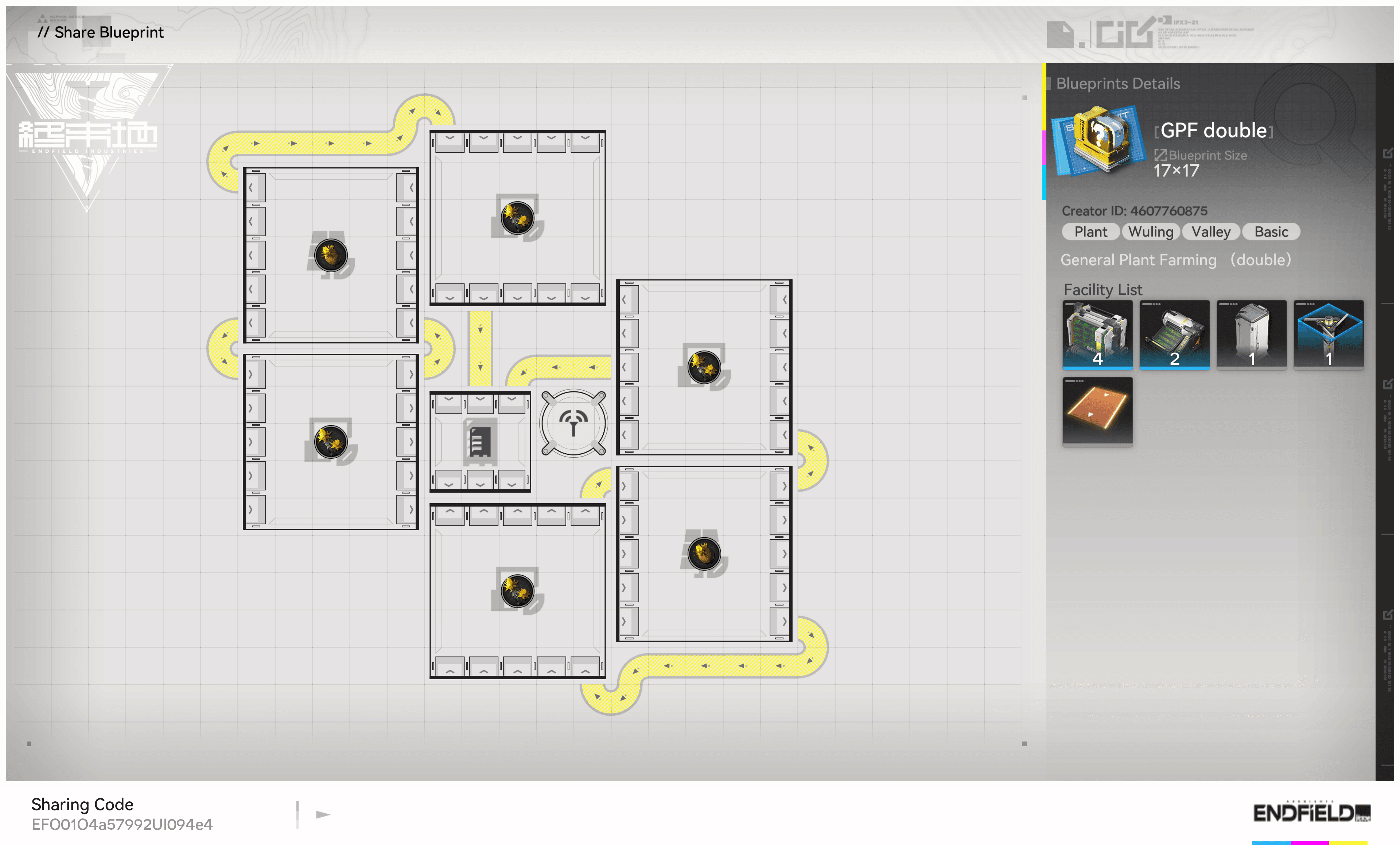
General Plant Farming (double)



EFO01O4a57992UI094e4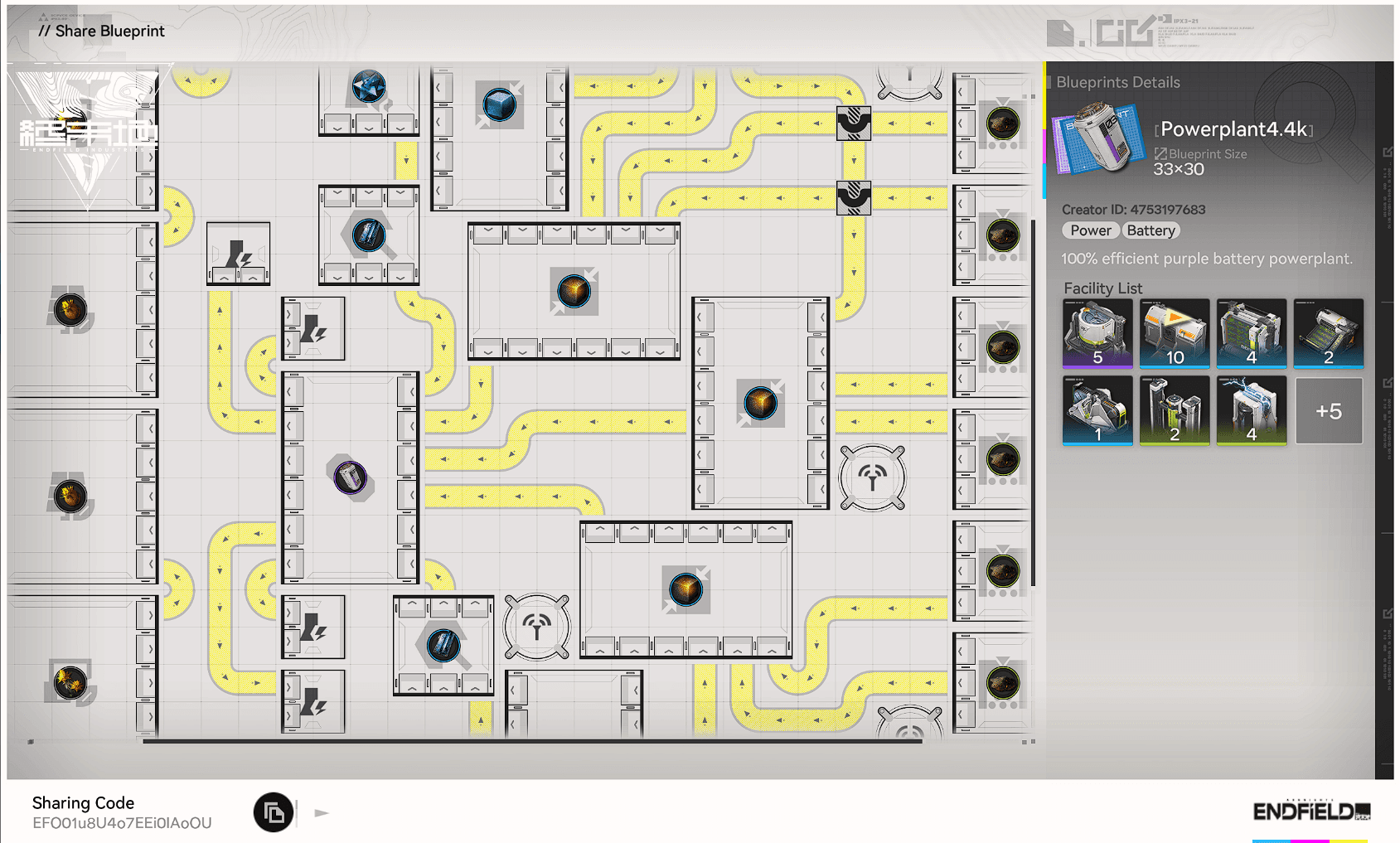
Self Sufficient Powerplant
EFO01u8U4o7EEi0IAoOU![Buck Capsule [B] 100% efficiency & symmetrical](/_next/image?url=%2Fimages%2Fblueprints%2Fbuck_capsule__b__100__efficiency__amp__symmetrical_25191.png&w=3840&q=75 "Buck Capsule [B] 100% efficiency & symmetrical")
Buck Capsule [B] 100% efficiency & symmetrical
![Buck Capsule [B]](/_next/image?url=%2Fimages%2Fitems%2Fitem_bottled_rec_hp_2.png&w=3840&q=75 "Buck Capsule [B]")
EFO0172UEu21I950O0Ai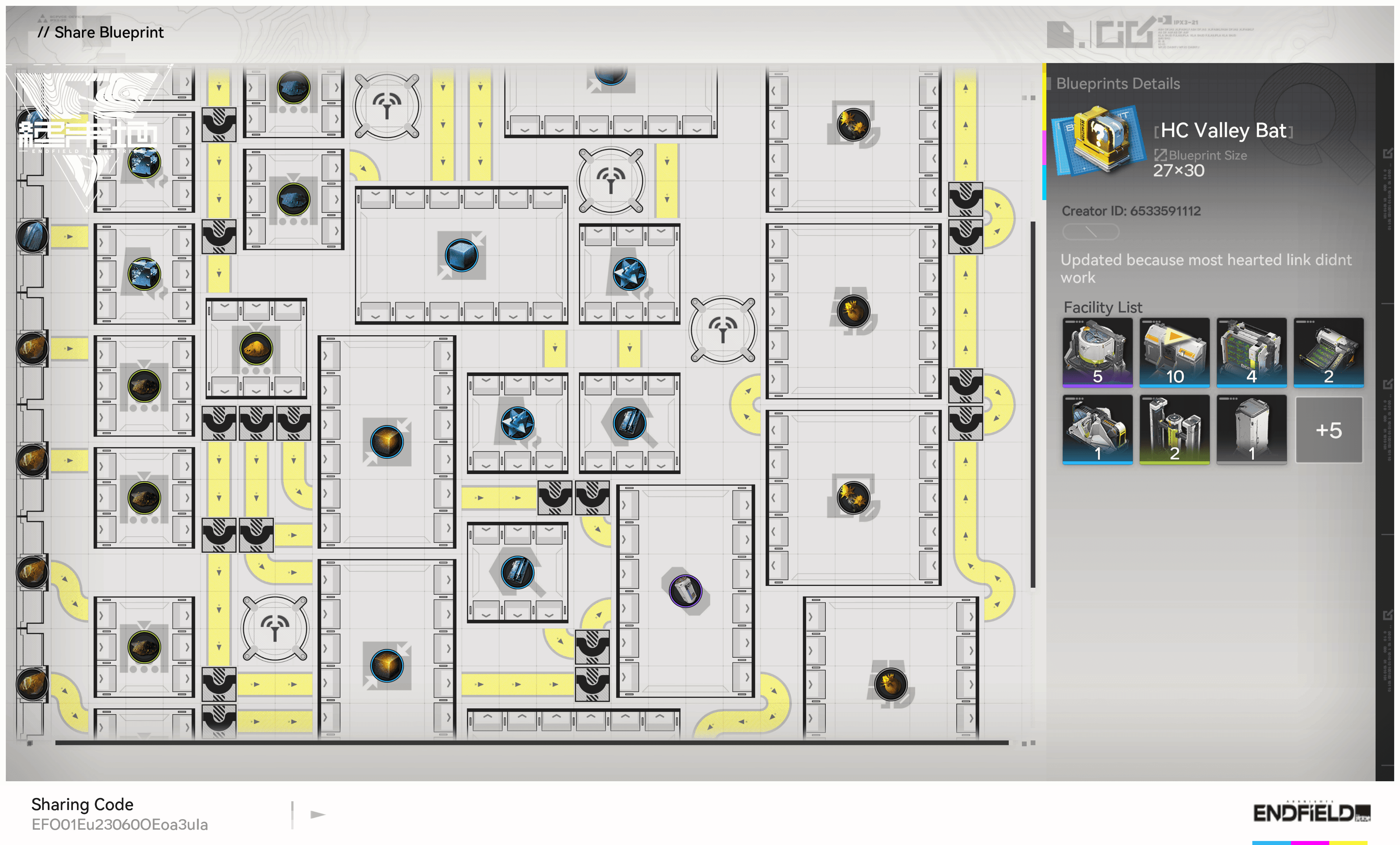
HC Valley Battery
EFO01Eu23060OEoa3uIa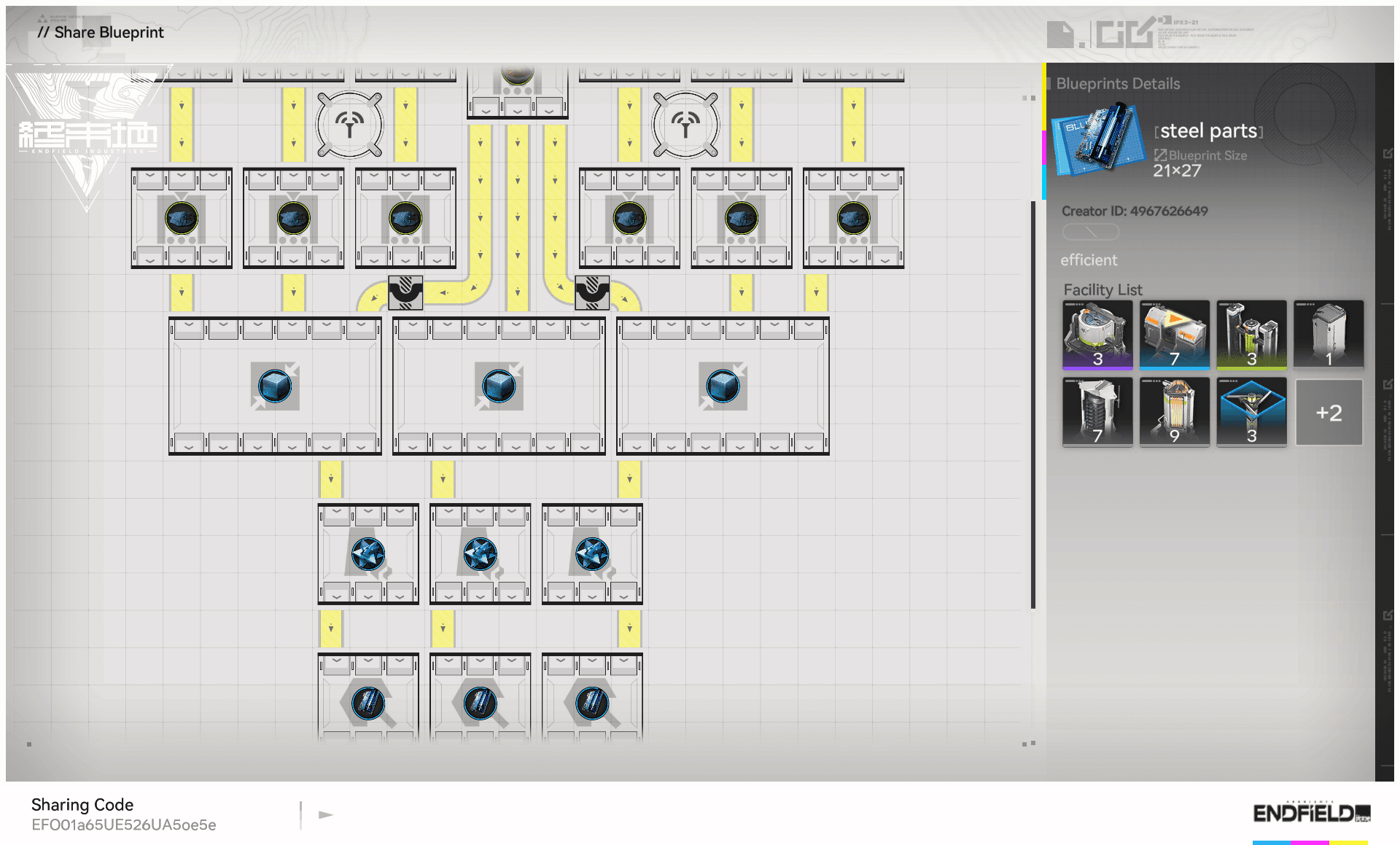
Steel Parts 90/min
EFO01a65UE526UA5oe5e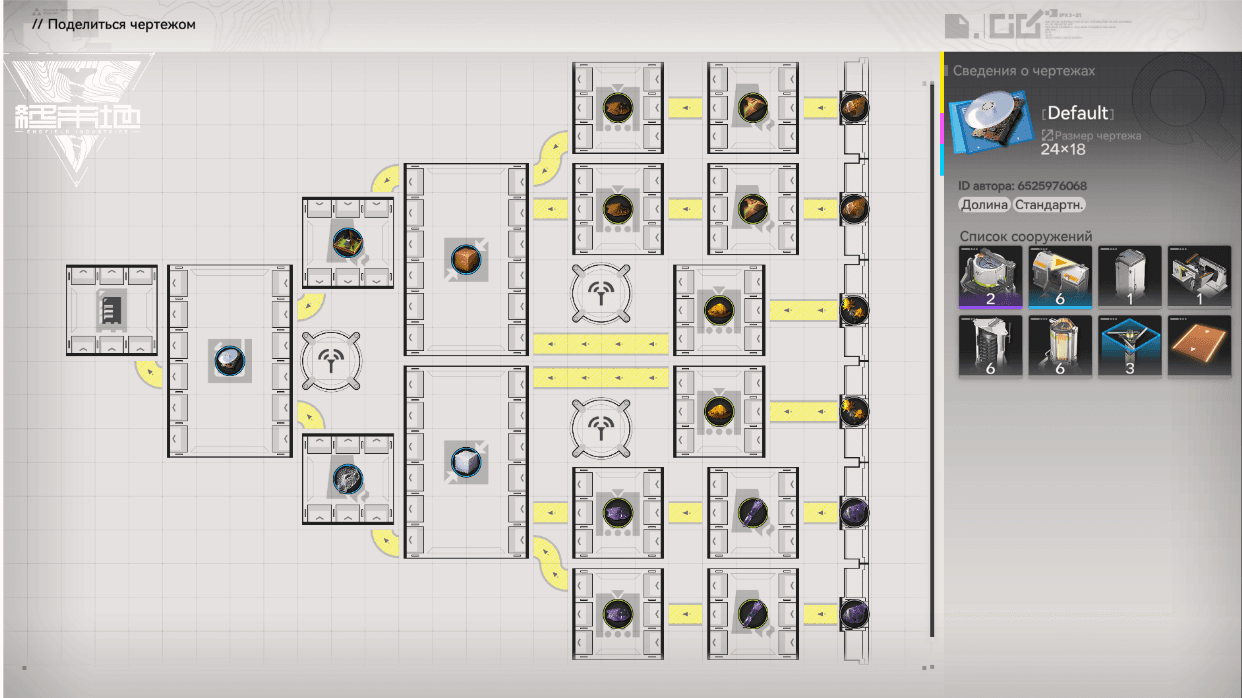
Default

EFO01u1Ioo32Eu03AoOU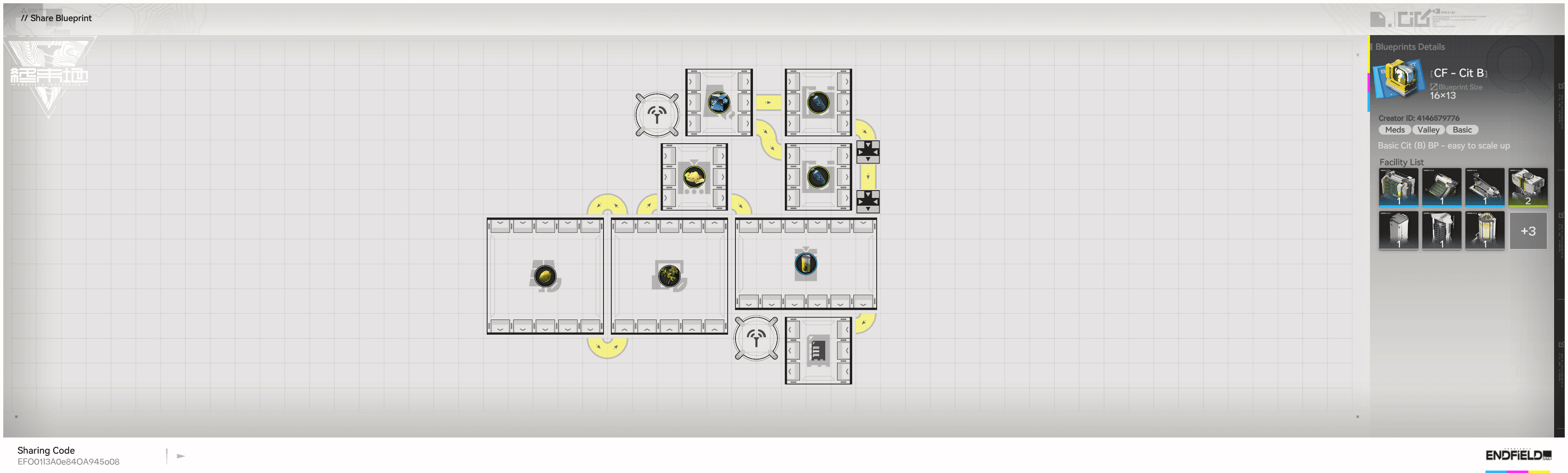
Cit B basic_design
![Canned Citrome [B]](/_next/image?url=%2Fimages%2Fitems%2Fitem_bottled_food_2.png&w=3840&q=75 "Canned Citrome [B]")
EFO01I3A0e84OA945o08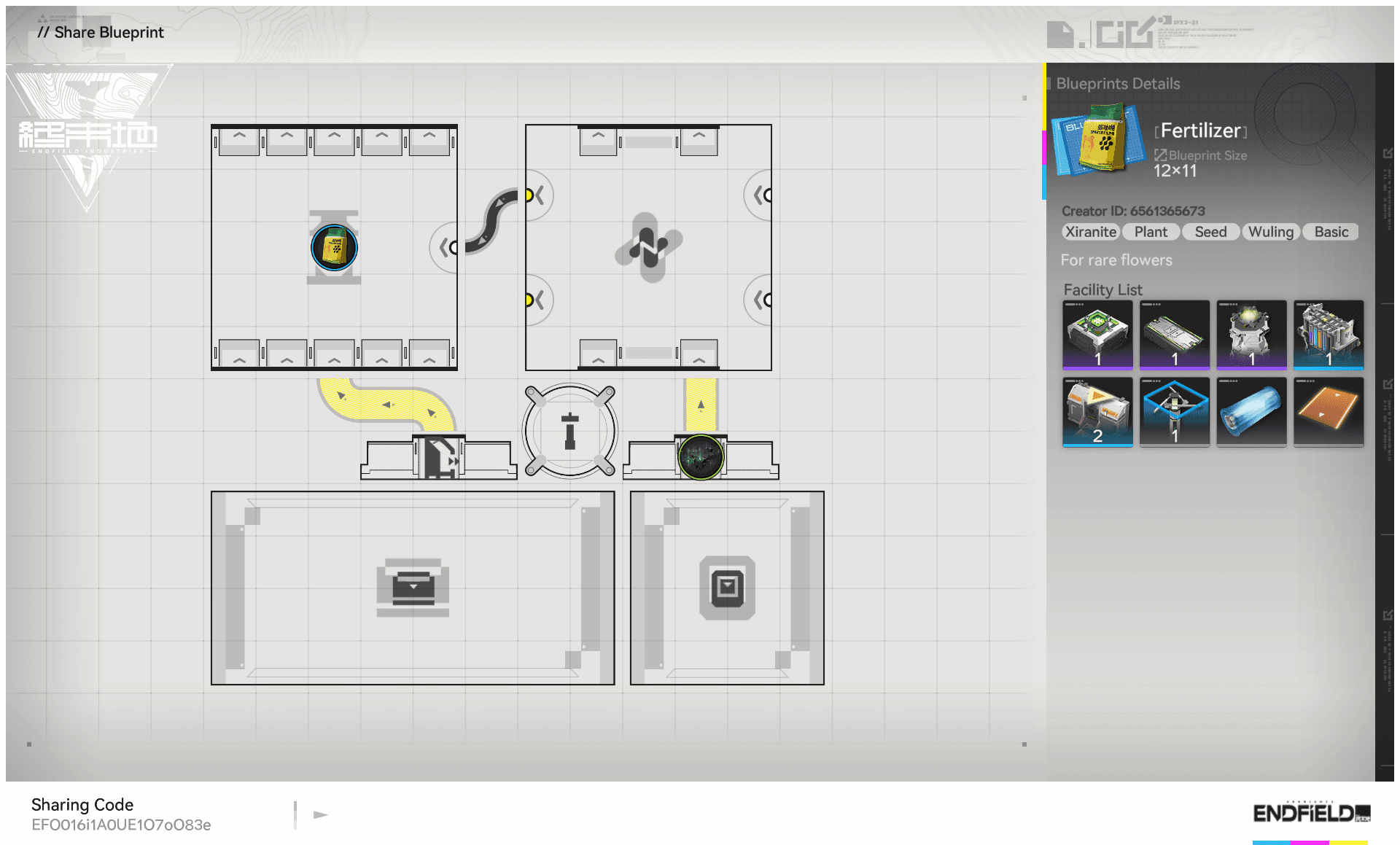
Bumper Rich Fertilizer

EFO016i1A0UE1O7oO83e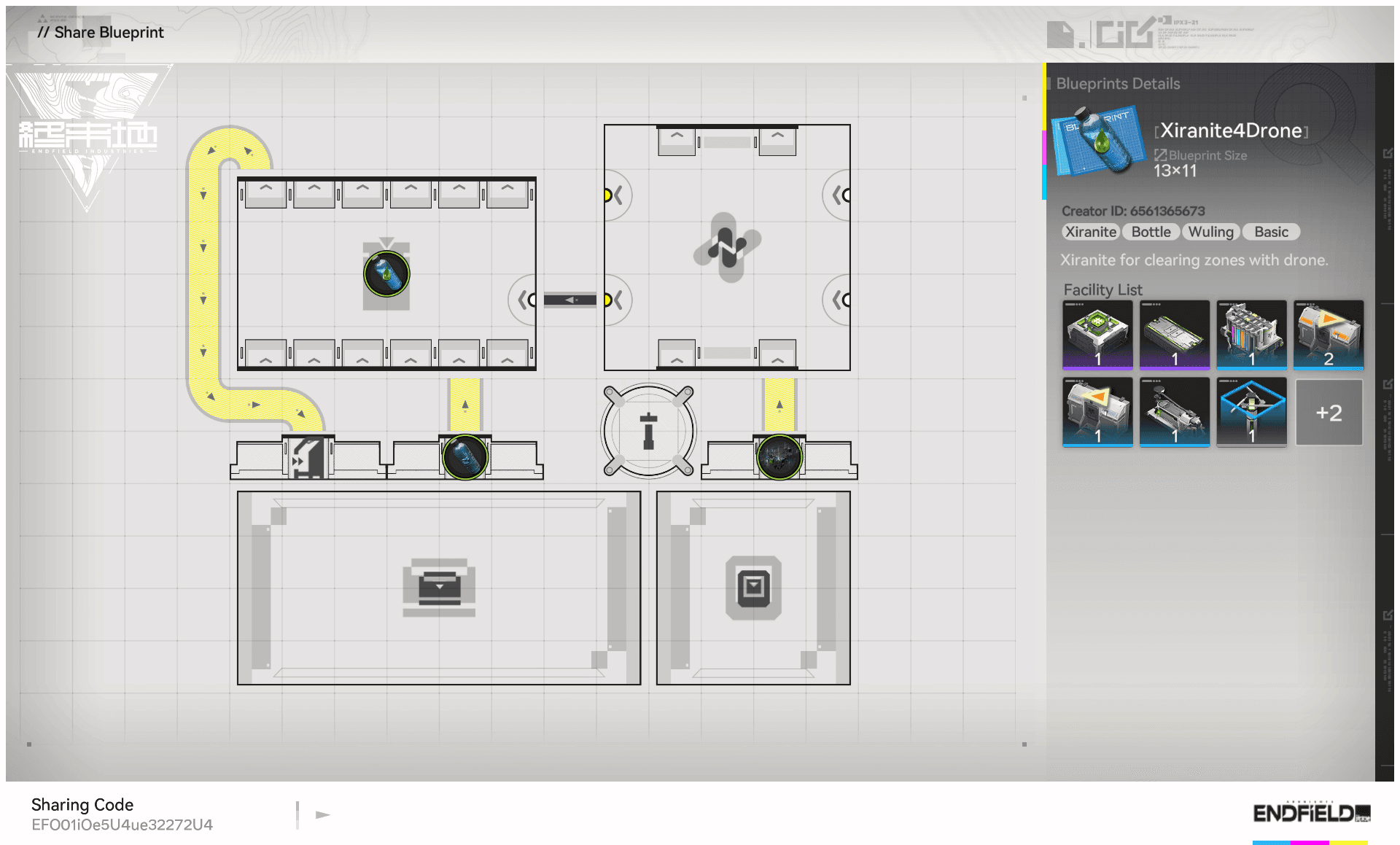
Xiranite Liquid in Bottle


EFO01iOe5U4ue32272U4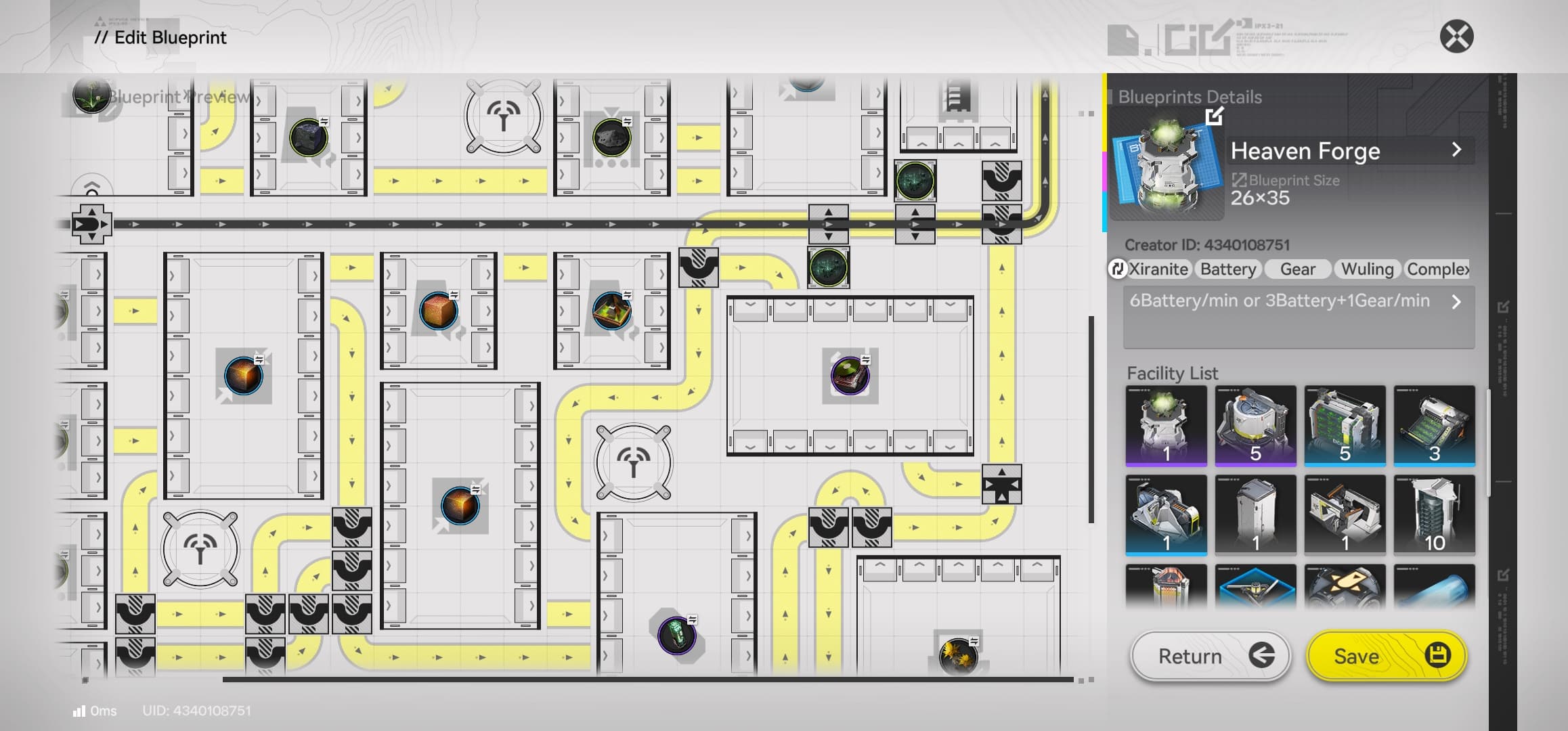
Configurable Xiranite Products

EFO0152140827Iu9ieIoe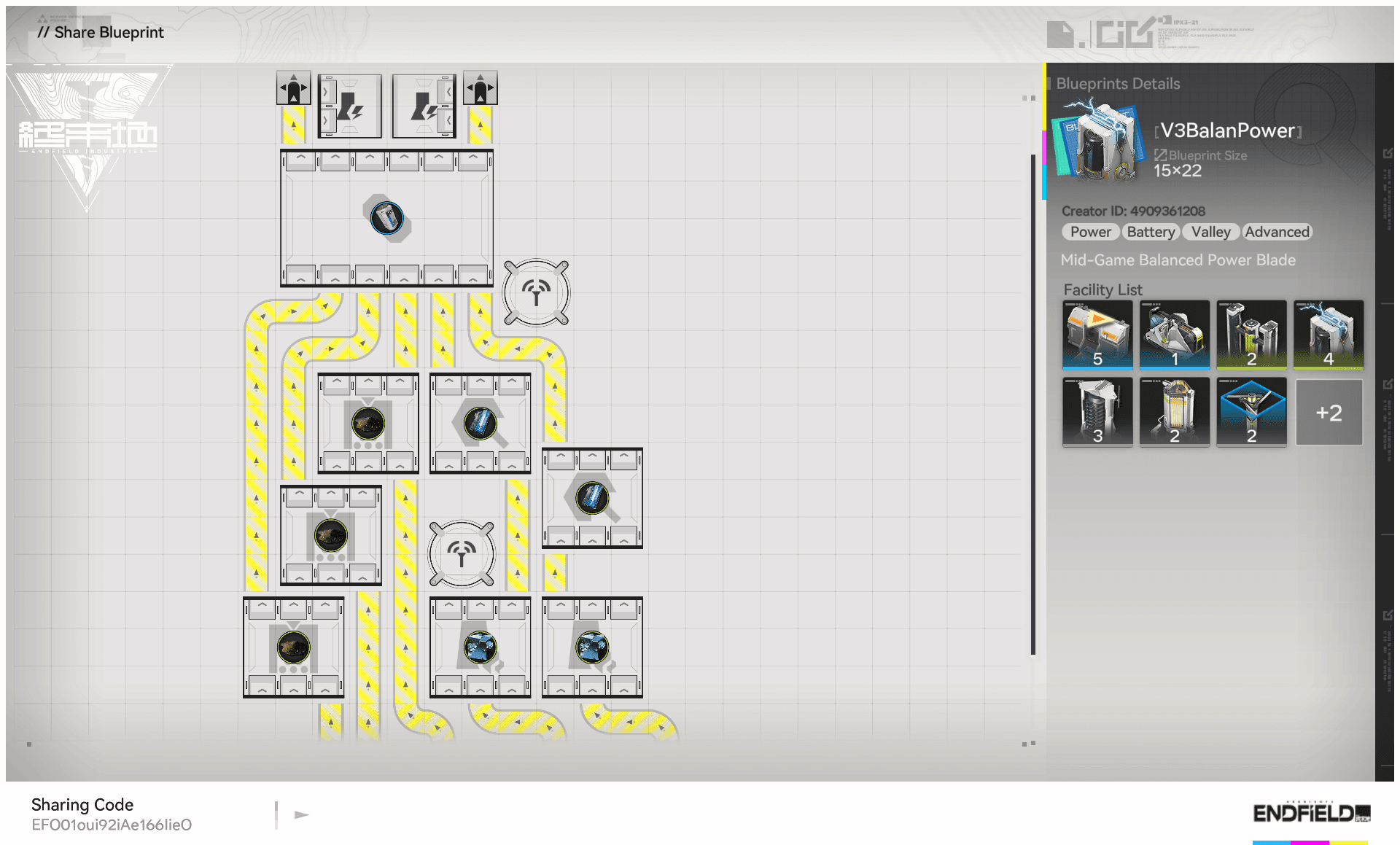
V3 Balanced Power Blade
EFO01oui92iAe166IieOUnderstanding the Arknights Endfield Blueprint System
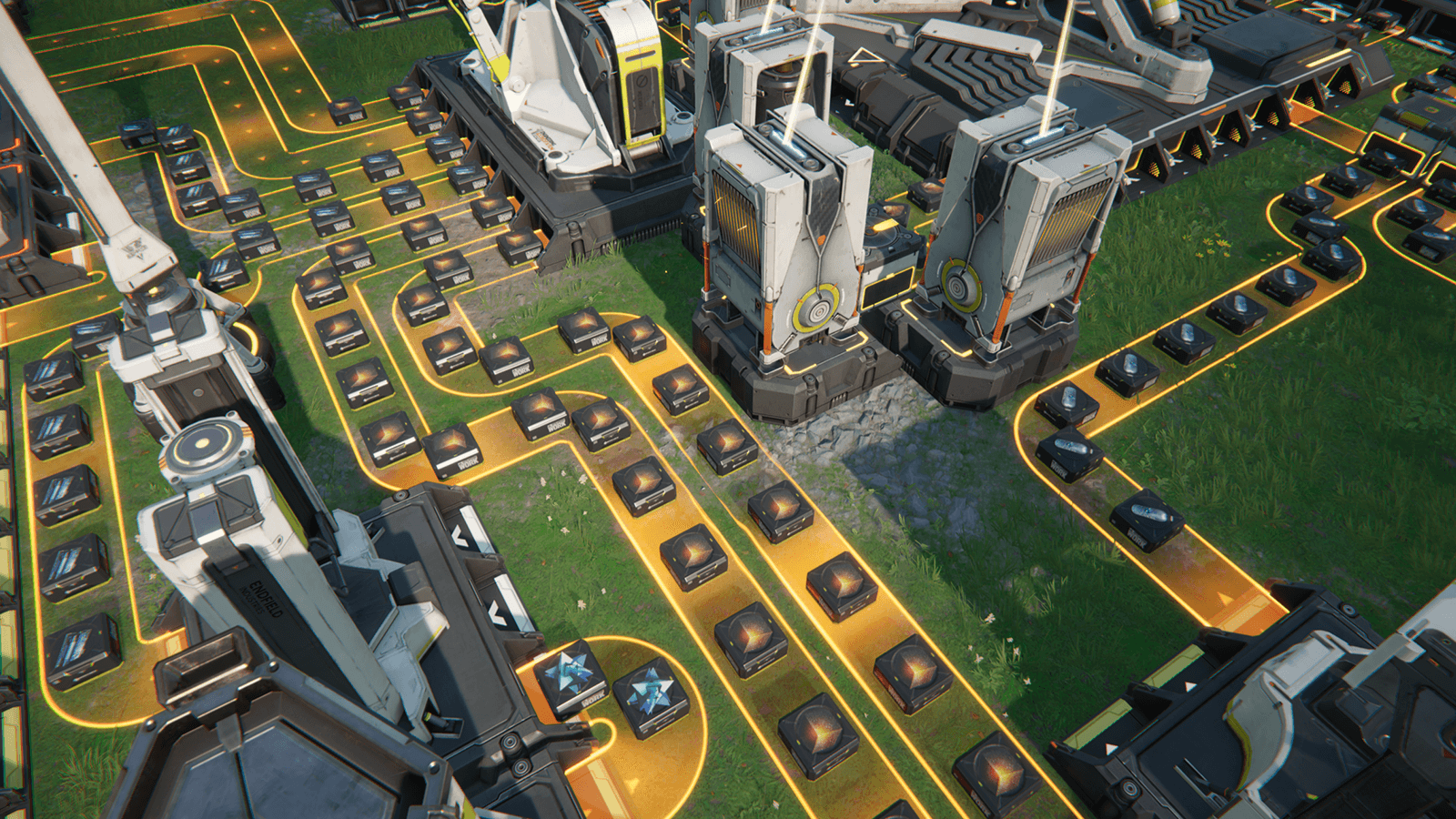
In the vast and dangerous world of Talos-II, efficiency is not just a luxury—it's a survival necessity. This is where the Endfield blueprint system comes into play. An Endfield blueprint is essentially a digital schematic of your factory layout, allowing you to save, replicate, and share complex industrial designs with ease. Whether you are a seasoned administrator looking to optimize your production lines or a newcomer trying to make sense of the automated industry, mastering the Endfield blueprint mechanic is crucial for your success.
The arknights endfield blueprint feature allows players to capture the exact arrangement of buildings, conveyor belts, and power lines. Once saved, this Endfield blueprint can be deployed instantly in any suitable location, providing you have the necessary materials. This guide will take you deep into the arknights endfield blueprint mechanics, ensuring you can leverage every aspect of this powerful tool.
How to Unlock Endfield Blueprint Functionality
Before you can start sharing your own arknights endfield blueprint, you must progress through the main storyline. The endfield blueprint system is typically unlocked after you have established your first base of operations and completed the initial industrial tutorials. Once unlocked, the arknights endfield blueprint interface becomes a permanent fixture in your construction menu.
Don't worry if you don't see the Endfield blueprint tab immediately. Continue with your main quests, and soon enough, the game will introduce you to the AIC (Advanced Industrial Construction) module, which is the core of the technology.
Step-by-Step Guide to Creating an Endfield Blueprint
Creating your own Endfield blueprint is a straightforward process, but mastering it requires foresight. Here is how you can create a perfect arknights endfield blueprint:
- Enter Construction Mode: Press the designated key to enter build mode and look for the AIC tool.
- Select the Area: Drag your cursor to highlight the structures you want to include in your design. Be careful not to include unnecessary terrain or obstacles that might make your arknights endfield blueprint hard to place elsewhere.
- Save and Name: Once selected, click the "Save" button. Give your design a descriptive name, like "Basic Iron Smelter" or "Advanced Chip Fab". A good name helps you find the right Endfield blueprint quickly during intense gameplay.
- Generate Code: To share your design, select your saved layout and click "Share". This generates a unique code that you can send to friends or post online.
Remember, a well-designed Endfield blueprint is compact and modular. Try to design your layout so that it can be tiled or connected easily with other modules.
How to Import and Use an Endfield Blueprint Code
Found a great Endfield blueprint online? Importing it is easy. The community is constantly sharing high-efficiency codes for everything from power generation to resource refining.
- Copy the Code: reliable sources like this website will provide a valid Endfield blueprint code string. Copy it to your clipboard.
- Open Blueprint Library: In-game, open your construction menu and navigate to the library tab.
- Paste the Code: Click the "Import" button. The game will automatically detect the string from your clipboard.
- Place the Structure: Select the newly imported Endfield blueprint. A "ghost" image of the factory will appear. Move it to a flat area and click to build.
Note: You must have all the required raw materials in your inventory to construct the buildings within the layout. If you are missing items, the Endfield blueprint cannot be placed.
Advanced Strategies for Endfield Blueprint Optimization
To truly excel, you need to think beyond simple structures. An advanced arknights endfield blueprint often incorporates verticality and complex belt weaving. When designing a layout for high-volume production, consider the input and output ratios. A balanced design ensures that no machine is idle and no belt is backed up.
Modular Design: The best strategy is modularity. Instead of making one giant factory, create smaller modules for specific tasks (e.g., "Iron Ingot Module"). You can then paste this Endfield blueprint multiple times to scale up production instantly. This "copy-paste" workflow is the secret to specific high-level management.
Power Grid Blueprints: Don't forget power! reliable power layout is essential. Create a compact solar or wind farm Endfield blueprint that includes batteries and transmission towers. Whenever you expand to a new zone, you can simply drop this power Endfield blueprint to get your grid online in seconds.
Troubleshooting Common Endfield Blueprint Issues
Sometimes, an arknights endfield blueprint might fail to place. Here are common reasons why an Endfield blueprint might not work:
- Terrain Obstruction: The most common error. If the ground isn't perfectly flat or if there's a rock in the way, the Endfield blueprint will be invalid. Clear the area before placing your design.
- Missing Materials: As mentioned, you need the items. Check the cost of the layout and ensure your inventory is stocked.
- Tech Tree Lock: You cannot use an Endfield blueprint that contains buildings you haven't researched yet. Unlock the tech first, then use the code.
- Region Locks: Occasionally, a code created on one server version might be incompatible with another if game updates have changed building sizes. Always look for the latest Endfield blueprint codes.
The Future of the Endfield Blueprint Community
As Arknights: Endfield continues to evolve, so too will the system. We expect future updates to allow for even larger Endfield blueprint sizes and potentially cross-server sharing features. The community of Endfield blueprint designers is growing every day, pushing the boundaries of what is possible in factory automation.
Stay tuned to this page for the latest and greatest codes. We update our library regularly to ensure you always have access to the most efficient Endfield blueprint designs available. Whether you need a starter base or a mega-factory, there is a layout here for you.
Mastering the Endfield blueprint system is your ticket to dominating the industrial landscape of Talos-II. Start collecting your favorite codes today and build the factory of your dreams!